Step-by-Step Guide to Add Aladdin Connect Devices to HomeKit with HomeBridge


I am a big fan of the DEEBOT Robot Vacuums. The only problem I have is that it is not compatible with Apple HomeKit. But don’t worry! There are several ways to pair the Ecovacs with Apple Home Kit. So, you can create a Ecovacs DEEBOT HomeKit integration very
APPLE PLEASE! Apple, please make Shelly devices compatible! It is so annoying that Shelly is incompatible with Apple HomeKit. Anyway, I'm tired of adding your Shelly device to Apple HomeKit, only to be hit with the dreaded “not supported” message? Yeah, it’s frustrating. So, I decided to

Adding Sonos to HomeKit was probably one of the best decisions I have ever made. As we know most Sonos devices are HomeKit incompatible, so I tried out a few methods that allows the Sonos HomeKit integration. Let me introduce the third-party solutions that I found: * AddtoHomeKit [Recommended Software Solution]
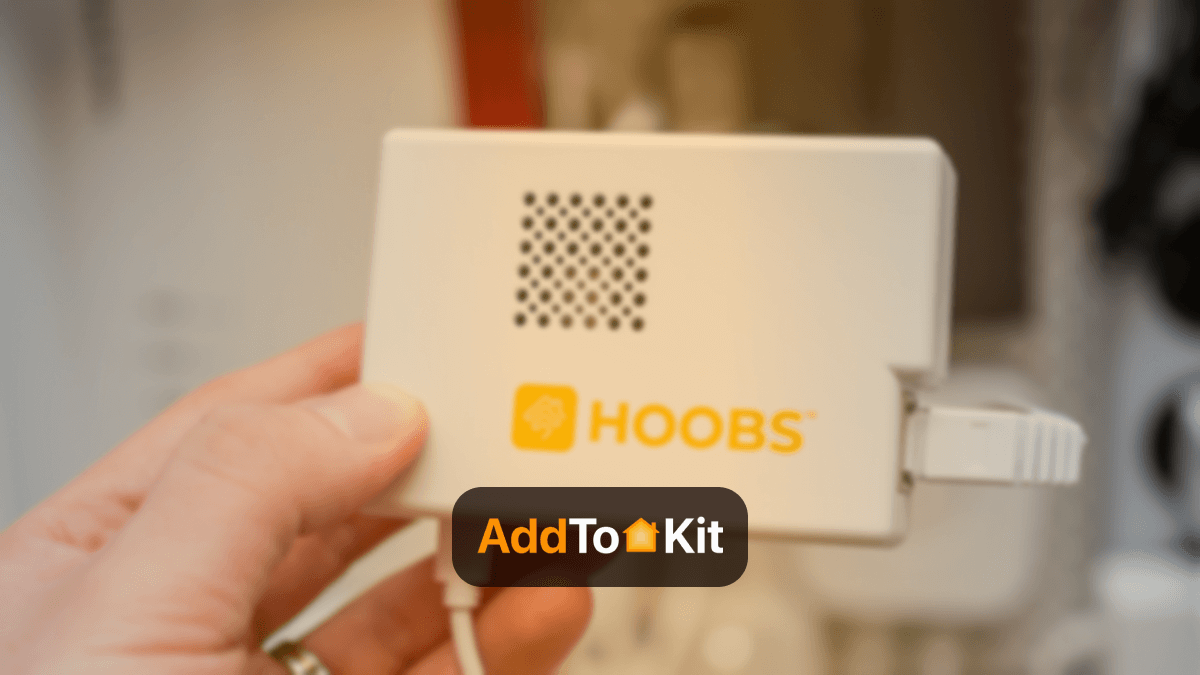
If you’re passionate about smart home technology and want to connect your non-HomeKit compatible smart home devices to HomeKit? Then, this review is right for you. What is HOOBS and Should You Use it for HomeKit? HOOBS (Homebridge Out of the Box System) is a simplified version of Homebridge